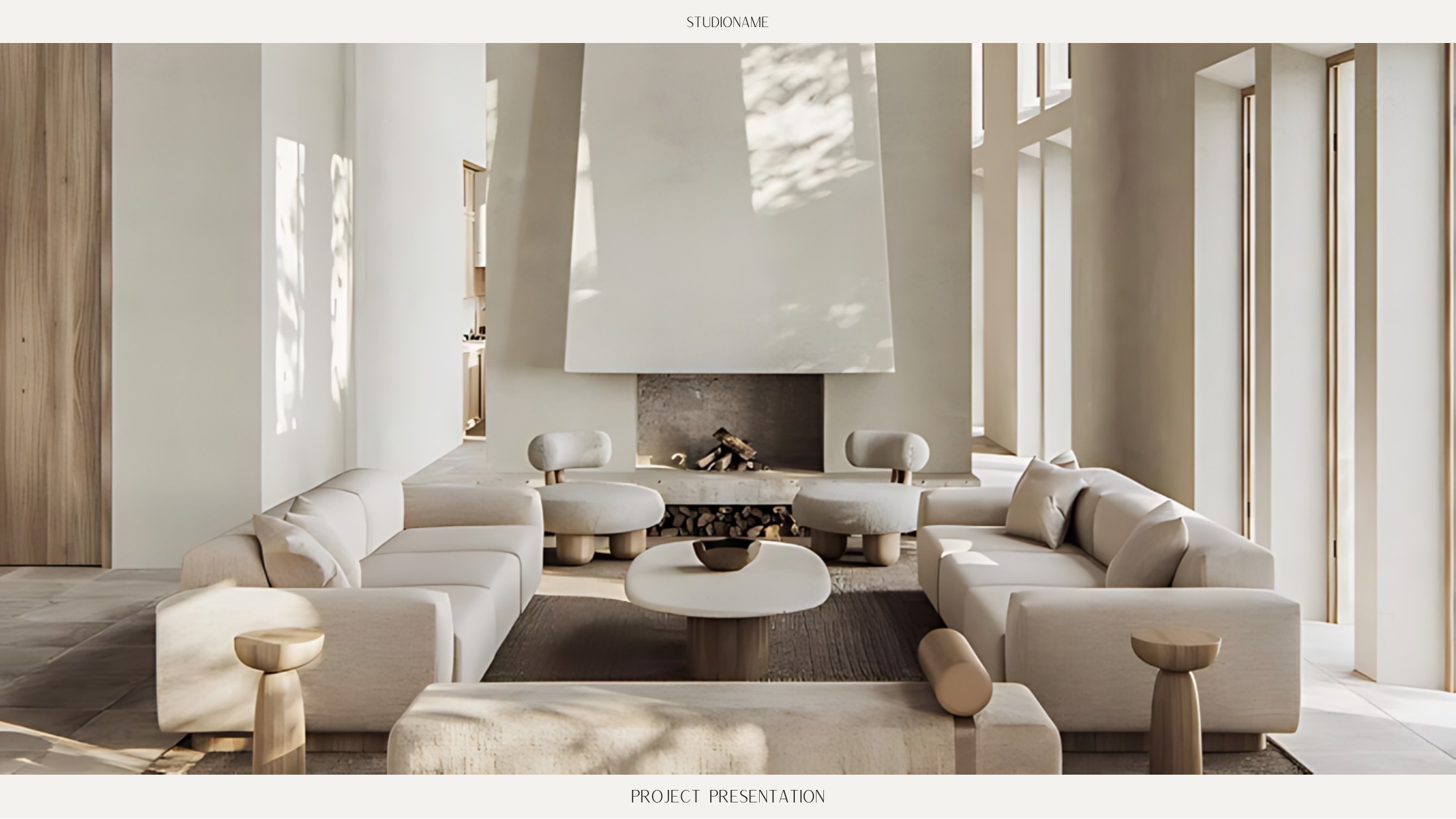
35 pages
Project Presentation Template
A full interior design presentation deck for concept, finishes, plans, rooms, FF&E, timeline and handover.
Link Canva presentations or add presentation files directly to Workspace, then present them to the client from the same project they already use for plans, products, approvals and budgets. No more searching for the latest deck before a meeting.

Create the deck in Canva, then link it back to Workspace so the latest version stays accessible inside the project.
The client can view the presentation from Workspace, while the designer keeps control over the source file and what is shared.
Presentation decks become part of the live project, so clients and team members always know where to find the current version.
Presentations stay beside the project information they explain, instead of getting buried in message threads or downloads folders.
Open the project, launch the presentation and walk the client through the design without switching between different tools.
The designer can continue editing in Canva while the client sees the version shared through Workspace.
Lead designer members can use ready-made templates built around real interior design workflows. Press Preview to open the actual document and move through its pages.
A full interior design presentation deck for concept, finishes, plans, rooms, FF&E, timeline and handover.
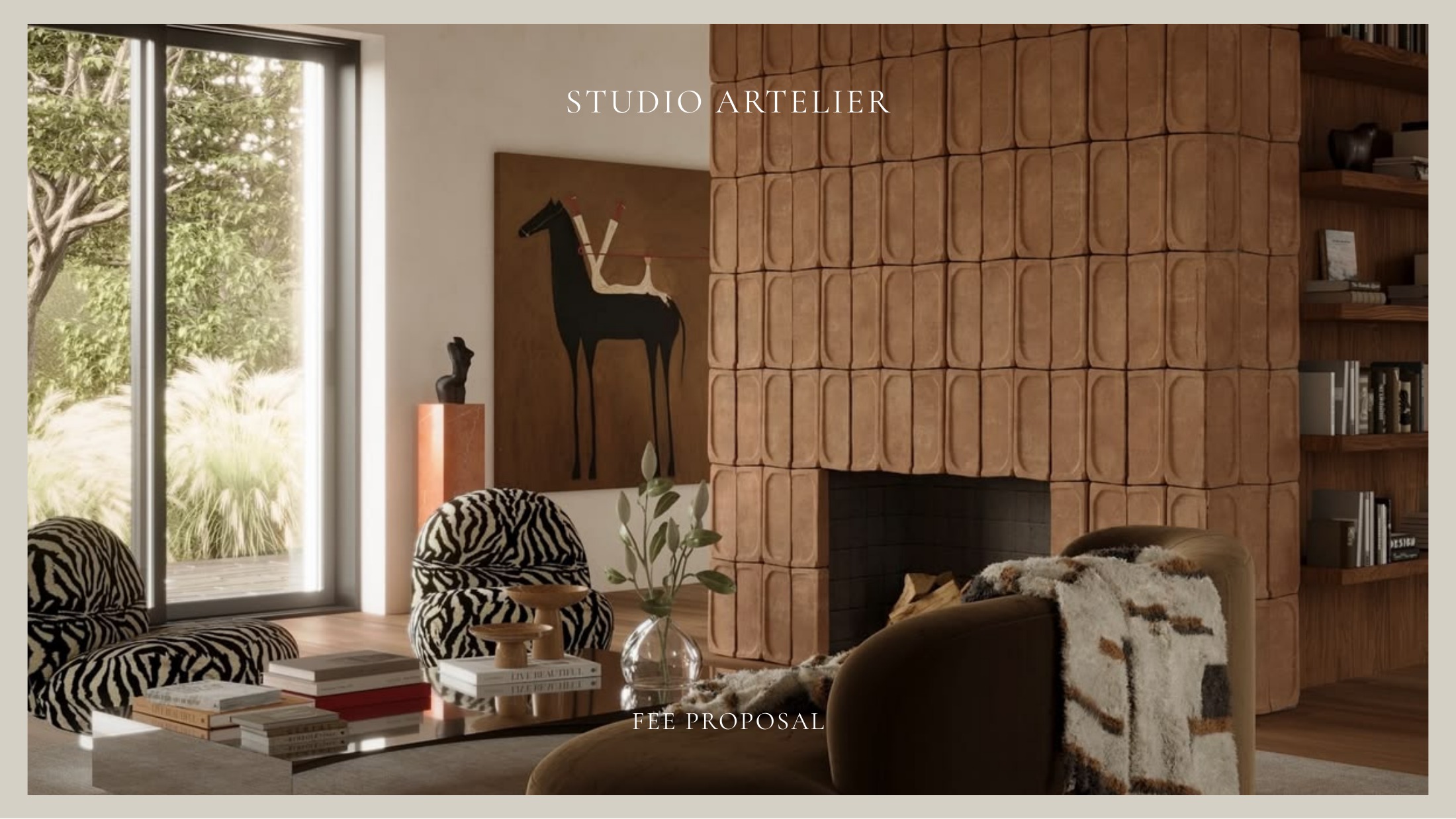
A polished proposal covering project summary, scope of services, design fee, payment schedule, timeline and next steps.
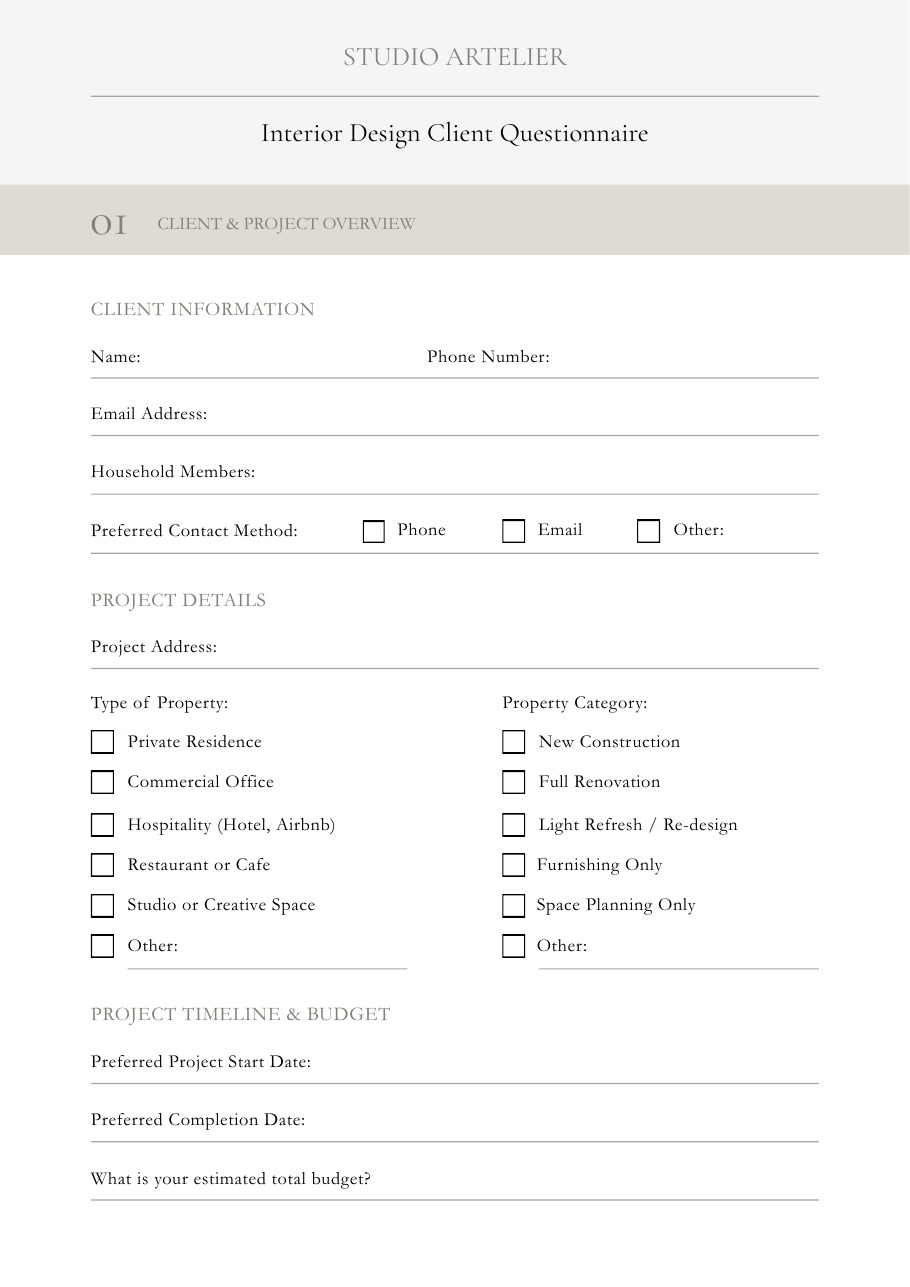
A structured client intake document covering project details, lifestyle, rooms, style, functionality, timeline and budget.
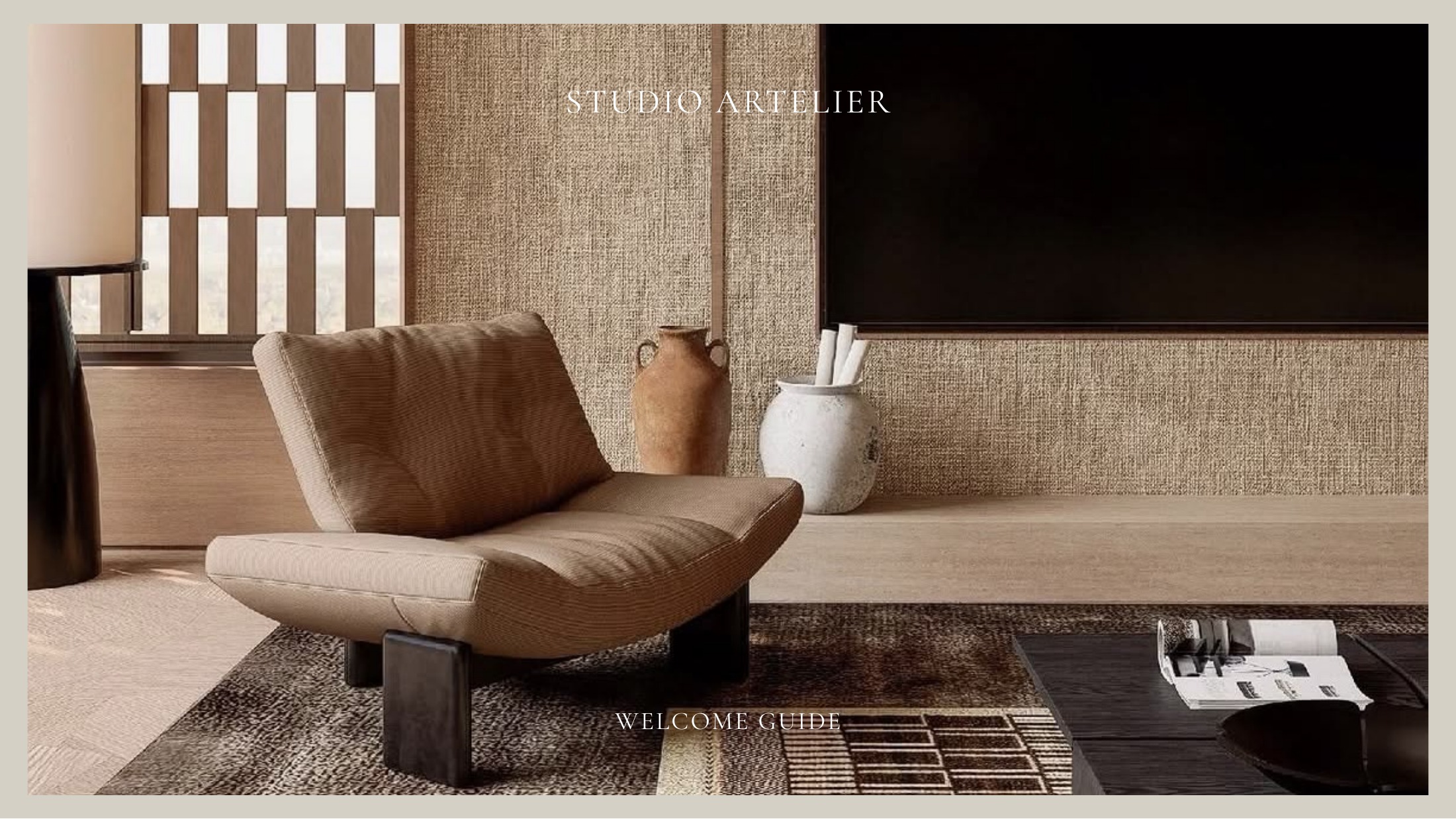
A client onboarding guide for workspace access, project expectations, team information, next steps and communication.
Alongside the featured presentation templates, designers can access practical documents for onboarding, project delivery, approvals, procurement, installation and handover.
The deck explains the design, while the rest of Workspace holds the live information the client needs to review and act on.
Move from the presentation directly into the mood boards and visual direction behind the design.
After presenting a product or finish, the client can review the connected FF&E record.
Clients can move from seeing the design to approving the exact selections that need sign off.
Past presentations remain part of the completed project record for future reference.
No more searching for the right PDF, opening a second app or sending another attachment after the meeting. The presentation already lives inside the project.
Link your presentation to the project, present it directly to the client and keep every design decision connected to the rest of the Workspace.